
Lost keys, spare keys hidden under a flowerpot, and late-night lockouts are small risks that come with traditional locks. That is why more homeowners are switching to smart locks. If you are considering smart lock installation in Dallas, it helps to know how these devices work, which features matter, and how to keep them secure. At Dallas Affordable Locksmith, we help homeowners across the DFW area upgrade their doors with reliable keyless entry. This guide covers the main benefits, key features, and security options to consider before you buy.
What Is a Smart Lock?
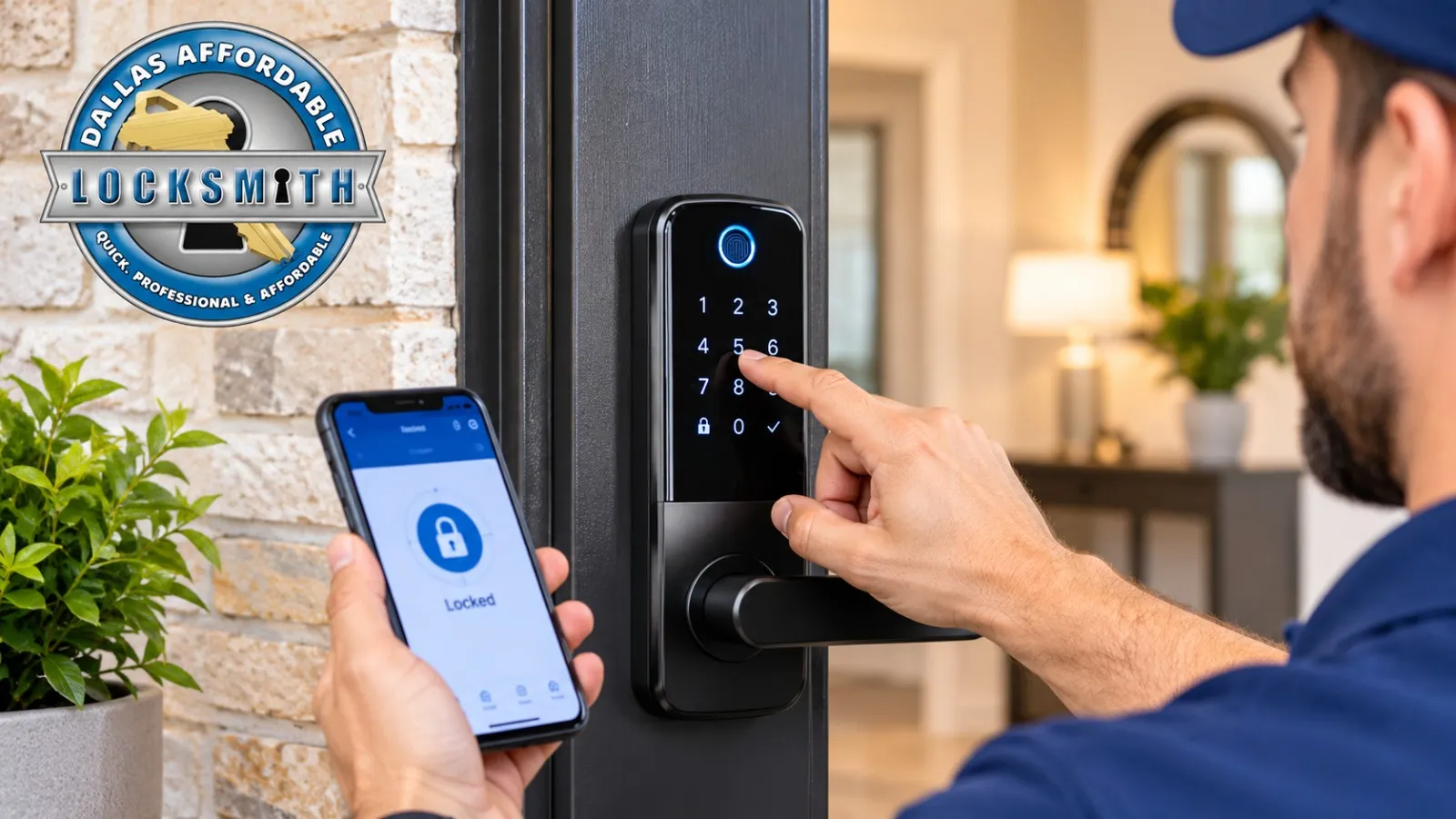
A smart lock is an electronic lock that lets you open your door without a traditional key. Depending on the model, you can unlock it with a keypad code, a smartphone app, a fingerprint, a key fob, or a voice command through a connected home system. Most smart locks replace your existing deadbolt or work alongside it, and many include a backup key slot in case the battery dies.
Benefits of Smart Lock Installation
Switching to a smart lock changes how you use your front door every day. The main benefits include:
- Keyless convenience: No more fumbling for keys with groceries in your hands or kids waiting at the door.
- Remote access: Lock or unlock from your phone when a family member, cleaner, or dog walker needs to come in.
- Guest and temporary codes: Give each visitor a separate code and delete it when it is no longer needed.
- Activity logs: See who entered and when, which is useful for families and rental hosts.
- Easier key management: If someone loses access, you remove their code instead of rekeying the whole lock.
- Auto-locking: The door locks itself after a set time, so you never wonder if you locked up.
For busy Dallas commuters and short-term rental hosts, these features save time and reduce stress.
Key Features to Look For
Not every smart lock offers the same features, so compare options before you decide:
- Access methods: Keypad, Bluetooth, Wi-Fi, fingerprint, or key fob. Choose what fits your household.
- Auto-lock and door-ajar alerts: These notify you if the door is left open or unlocked.
- Battery life: Look for low-battery warnings and a backup key or external power option.
- Smart home compatibility: Check support for Alexa, Google Home, or Apple Home if you use them.
- Tamper and forced-entry alerts: These warn you of suspicious activity at the door.
- Weather resistance: Exterior keypads face Texas heat and sun, so durable construction matters.
- Security grade: Look for ANSI/BHMA ratings, where Grade 1 is the highest level of durability and security.
Smart Lock Security Options
Smart locks are secure when they are installed and managed properly. Keep these options in mind:
- A strong deadbolt and reinforced door: A smart lock is only as strong as the door and frame around it. A reinforced strike plate with long screws adds real protection.
- Encrypted connections: Choose reputable brands that encrypt communication and release firmware updates.
- Unique codes and strong passwords: Avoid birthdays and simple patterns like 1234. Change any default code and turn on two-factor authentication for the app.
- Biometric access: Fingerprint locks remove the need to share or remember codes.
- Bluetooth-only models: These suit homeowners who prefer not to connect their lock to Wi-Fi.
- Regular maintenance: Update firmware, replace batteries on schedule, and remove old users from the system.
Choosing the Right Smart Lock for Your Home
Start with your door and your daily routine. Check the door thickness, the bore hole size, and whether the lock fits your current deadbolt. Households with children or older adults often prefer a keypad because it needs no phone. Rental hosts benefit from temporary codes and access logs. Renters should get landlord approval before changing any hardware. Whatever you choose, make sure there is a backup way in, such as a physical key or an external power option.
Why Professional Installation Matters
A smart lock needs precise alignment. A misaligned bolt can cause jams, drain the battery faster, and even lock you out. A professional checks the door, frame, and strike plate, installs the lock correctly, pairs it with your app, and tests every function before leaving. Our licensed and insured team handles lock installation, repair, replacement, and rekeying as part of our residential locksmith services, and we are available 24/7 if a lockout cannot wait.
Frequently Asked Questions
How long does smart lock installation take?
Many installations are completed in a single visit. The exact time depends on the lock model and the condition of your door and frame.
Can smart locks be hacked?
No device is completely risk-free, but quality locks with encryption, strong codes, and updated firmware are very secure. The strength of your door and frame matters just as much.
What happens if the battery dies?
Most smart locks warn you when the battery runs low. Many also have a backup key slot or an external power terminal for emergencies.
Will a smart lock work with my existing door?
It works with most standard doors, but thickness, bore size, and deadbolt style matter. A technician can confirm compatibility before installation.
Does Dallas Affordable Locksmith install smart locks?
Yes. Smart lock setups are part of our services. Call (972) 352-7575 to discuss your door and your needs.